Faadar Wireless Ergonomic Keyboard and Mouse Combo

Time Left
-
CURRENT PRICE
$1
How max bids work
Enter the most you'd pay. We bid for you, just enough to keep you in the lead, up to your max.
Description
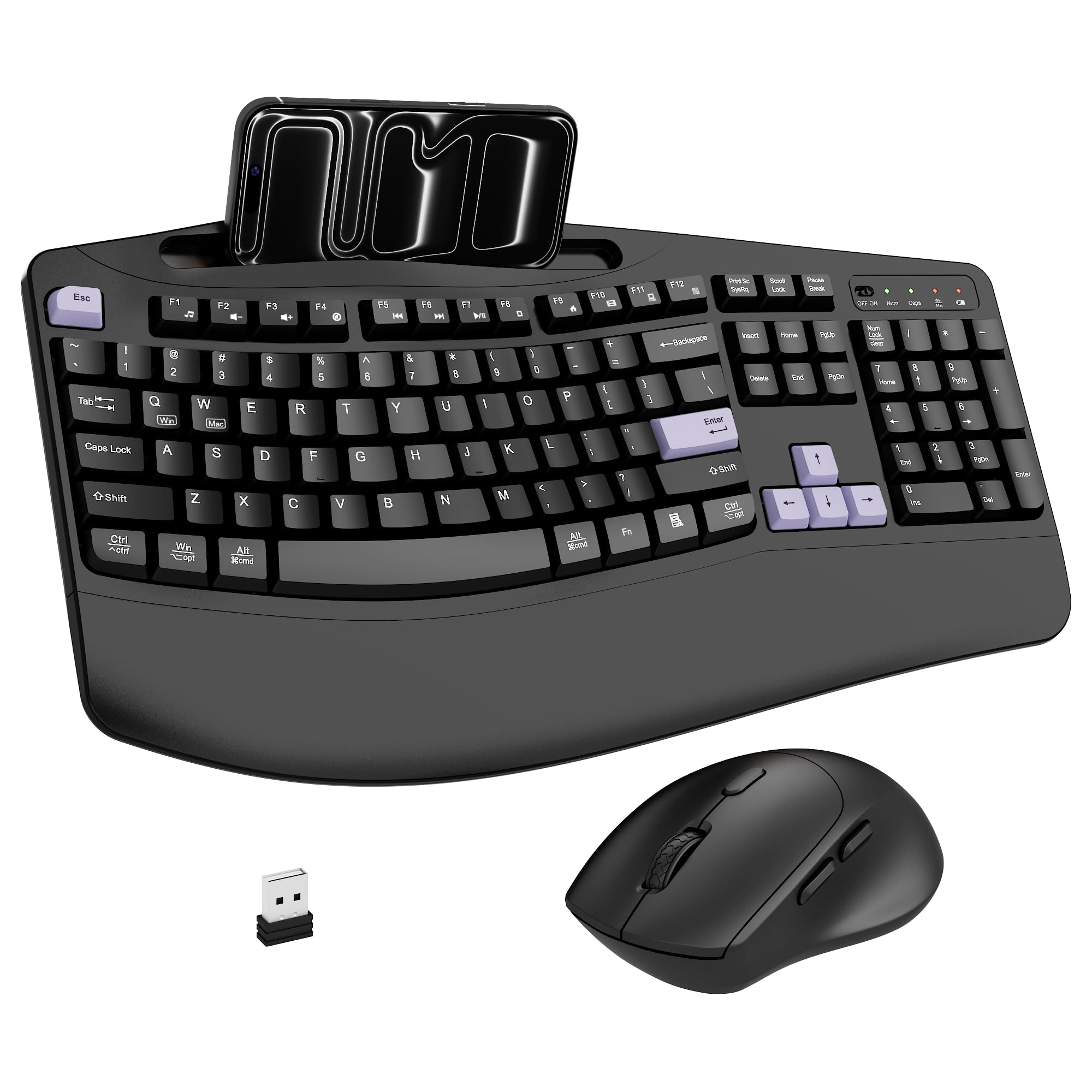
Enhance your workspace with this Faadar wireless keyboard and mouse combo, featuring an ergonomic wave design for comfortable typing and a palm-curved mouse to reduce wrist fatigue. The combo connects wirelessly via a 2.4GHz USB receiver with a range of up to 33 feet. It includes a built-in holder for your phone or tablet, a full-size 104-key layout with media controls, and a mouse with adjustable DPI (800/1200/1600). Enjoy quiet, durable performance with smart power-saving features and wide compatibility across Windows, macOS, and Chromebook systems.
Item Details
Seller

Legacy Bids
Pickup Location
3591 John Peter Lee St
North Las Vegas, NV, 89032
Quality
Auction closes
-Estimated Retail Price
$39.73
Buyers Premium
15%
Inventory Number
1094373908
Additional Details from the Manufacturer
This item information is coming from the manufacturer. Some of the details may vary from the Nellis Auction listing. Please check the Quality Rating and Notes for information specific to this listing
brand
Faadarcolor
Purple Blackdimensions
Package: 2.60 lbweight
2.40 lbsMore features
- Ergonomic wave design keyboard with 2.8-inch palm rest
- Ergonomic mouse with curved shape and comfortable grip
- 2.4GHz wireless connection with up to 33 feet range
- Built-in holder for phones and tablets
- Full-size 104-key layout with function keys and numeric keypad
- 3 levels adjustable DPI (800/1200/1600) for mouse
- Automatic power saving features for keyboard and mouse
- Quiet keys with 95% noise reduction
- Wide compatibility with Windows, macOS, and Chromebook systems
- FN+Q/FN+W for switching between Windows and macOS systems


Getting Started
Learn more about bidding, winning, pickup, and more on our video tutorials page.
Visit Video Tutorials