
Explore Productsended
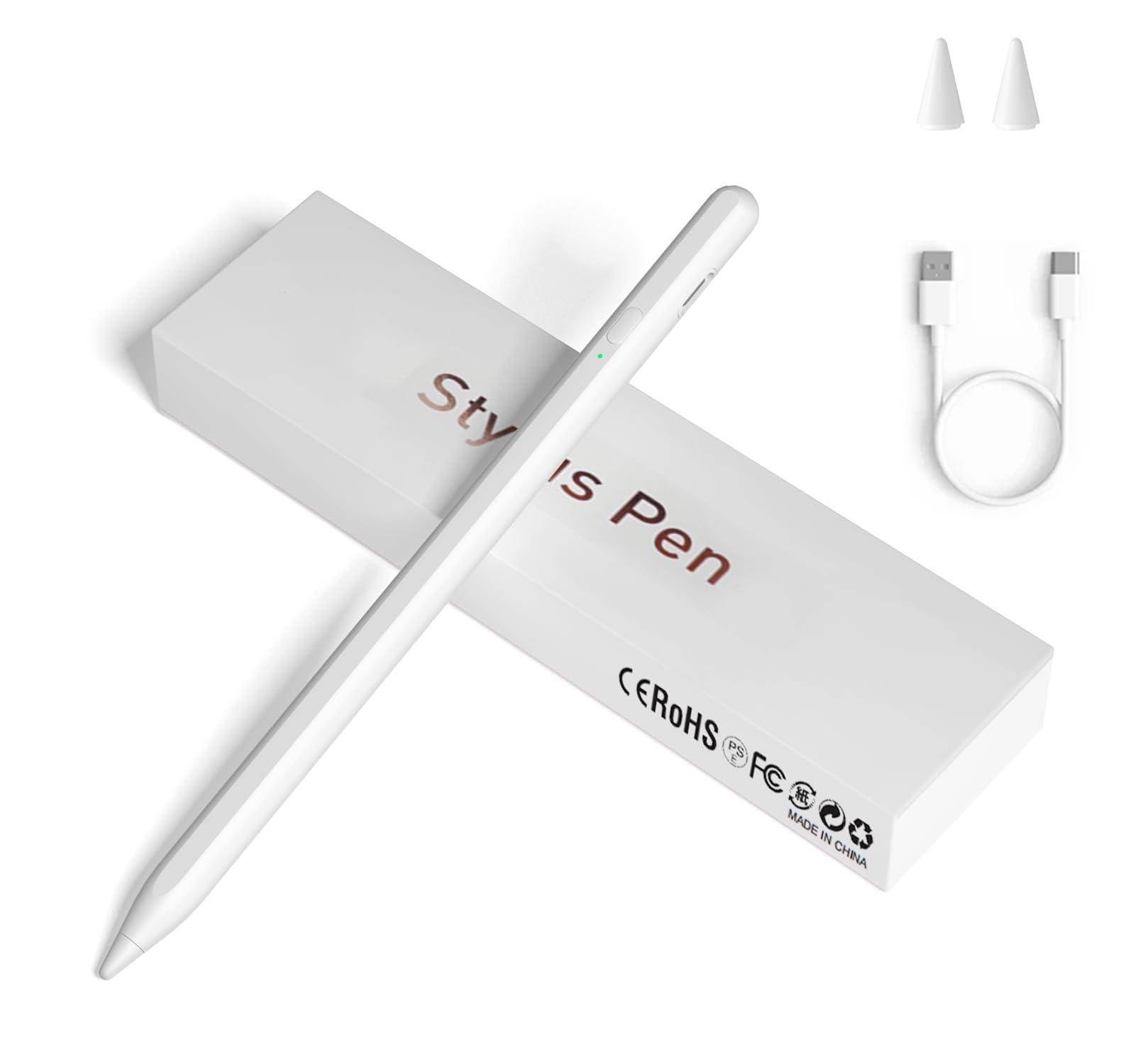
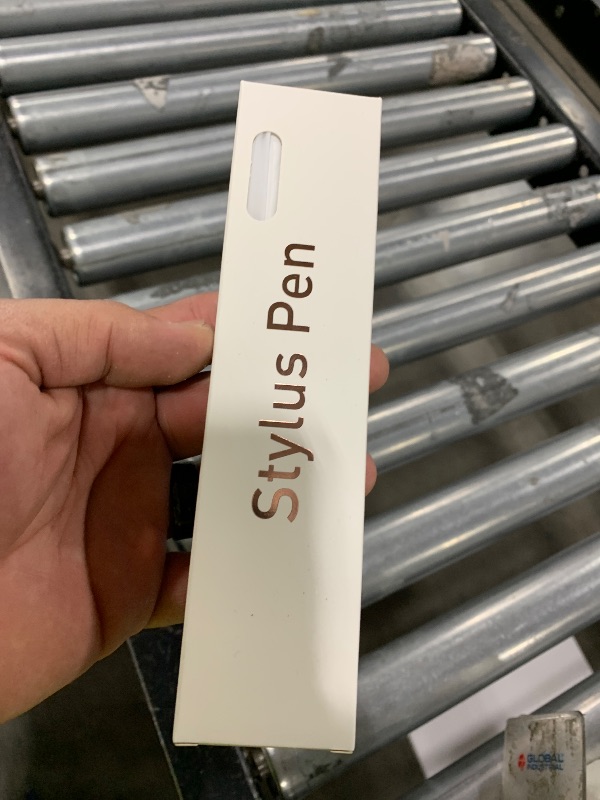
Stylus Pens for Touch Screens, Universal Fine Point iPad Pencil with Magnetic Adsorption Compatible with iPhone/iPad/Samsung/Android/Tablet & Other Touch Screens (White)
Stylus Pens for Touch Screens, Universal Fine Point iPad Pencil with Magnetic Adsorption Compatible with iPhone/iPad/Samsung/Android/Tablet & Other Touch Screens (White)
Item Details
Seller

Nellis Auction
Pickup Location
4031 Market Center Dr Suite 303
North Las Vegas, NV, 89030
Quality
Used
Functional
No Damage
Assembly Required
In Package
No Missing Parts
Estimated Retail Price
$11.38
Buyers Premium
15%
Inventory Number
1065241610
Additional Details from the Manufacturer
This item information is coming from the manufacturer. Some of the details may vary from the Nellis Auction listing. Please check the Quality Rating and Notes for information specific to this listing
brand
JXYHMYcolor
whiteweight
0.03 lbsMore features
- [Universal Stylus Pen] Our stylus pens for touch screens have broad compatibility and works seamlessly with iPhone, iPad, Android devices, tablets, Samsung Galaxy and most capacitive touchscreen devices. You can enjoy a versatile digital experience.[Note]: This stylus does not have a function to prevent accidental touches.
- [One Touch Switch] Experience easy and comfortable control with the one-touch switch design. Save time and realize quick creativity by turning your iPad pen on or off with just one touch
- [Magnetic Adsorption Design] The iPad pencil with an authentic magnetic design that securely attaches to the side of your iPad.This innovative feature ensures that your stylus stays within reach and prevents it from getting lost! Note: Only support iPad Pro11"& iPad Pro12.9"(3th/4th Gen)
- [Accuracy & Sensitivity] This stylus pen for iPad works without delay or lag, won't damage the screen, and comes with 2 complimentary nibs, giving you more options for a more precise writing and drawing experience
- [Quick Charge] The iPad pen can be fully charged in just 40 minutes and can be used continuously for 9-10 hours. Keep your creative juices flowing without worrying about charging, it won't affect your creativity!
- [Note] If it does not work after powering on, please follow the steps below: 1. Visit Settings > Bluetooth > Turn off Bluetooth. 2. Visit Bluetooth > Bluetooth > Apple pencil > Click > Forget This Device
Online Reviews
4.3/5
Based on 532 ratings
This score is based on 532 recent reviews from online retailers.
Be sure to check our Quality Rating and Notes above for more details on this listing.

See the deals
Get in on the action, thousands of new items added daily. Bid and win!
Start bidding now